

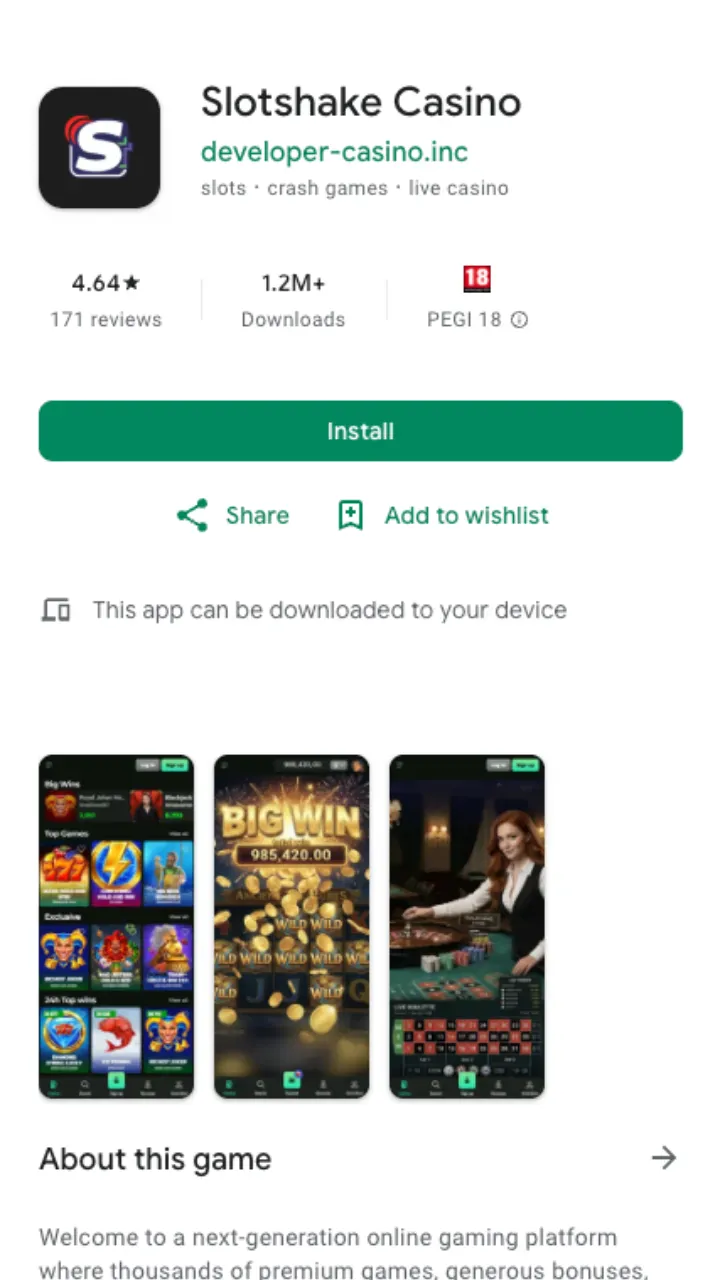
The mobile version isn't a stripped-down copy of the desktop site. It's the same casino, resized for a touch screen. You get the full game catalogue from Pragmatic Play, Evolution, Hacksaw Gaming, Play'n GO, Yggdrasil, Playtech and Novomatic, plus live dealer tables, the cashier, and 24/7 live chat. Nothing sits behind a separate download wall.
Here's the honest picture before you start. Android users can grab a dedicated APK. iOS users install a web app straight from Safari, because Apple's store rules keep real-money casinos out of the App Store. Different method, same result: a launcher icon on your home screen that opens the casino in one tap.
Android: installing the APK
The Android file lives outside Google Play, so you install it manually. It takes a couple of minutes and one settings toggle.
- Tap the Android download button on this page to fetch the APK.
- Open your device settings and allow installs from unknown sources for your browser (Android asks this only once).
- Open the downloaded file and confirm the install.
- Launch the app, log in or register, and claim your welcome bonus.
Once it's on your phone, updates happen quietly in the background. You won't be chasing new versions every week.
iOS: adding the web app
No APK, no jailbreak, no waiting for an App Store listing that will never come. On iPhone and iPad you add Slotshake Casino to your home screen as a progressive web app.
- Open the casino in Safari.
- Tap the Share icon at the bottom of the screen.
- Choose "Add to Home Screen" and confirm.
An icon appears next to your other apps. Tap it and the casino opens full-screen, without the browser bar. It behaves like a native download and takes almost no storage.
What you get on mobile
Every core feature travels with you. The table below shows what's available once the app is on your device.
| Feature | Mobile availability |
|---|---|
| Slots library | 10 000+ titles, same as desktop |
| Live casino | Full Evolution and Playtech tables |
| Welcome bonus | C$750 + 200 FS |
| Minimum deposit | C$10 (C$20 to activate the bonus) |
| Minimum withdrawal | C$20 |
| Support | Live chat 24/7, email 24/7 |
Deposit and cashout limits are identical on mobile and desktop: C$500 a day at the standard level, rising to C$1,500 for higher VIP tiers. The app changes how you reach the casino, not the rules inside it.
Deposits and withdrawals from your phone
The cashier is built for a small screen. Fund your account from C$10 (bump that to C$20 if you want the welcome package), and cash out from C$20. Crypto payouts land near-instantly after approval, Interac and e-wallets clear within 24 hours, cards take 1-3 business days, and bank transfers can run up to 5 business days. Pending review sits at 24-72 hours and is processed Monday to Friday. Check the full method list on the payments section.
First cashout? Have your KYC documents ready: a government-issued photo ID, proof of address from the last 90 days, and sometimes confirmation of your payment method. Verification usually takes 24-48 hours, occasionally up to three business days.
Performance and requirements
The Android build runs on most modern phones and older ones too. It's a lightweight wrapper around the mobile site, so it doesn't hog memory or drain your battery the way a heavy 3D game would. The iOS web app is even leaner. A stable connection matters more than raw hardware, especially at the live tables where video streams in real time.
Games load in portrait or landscape. Slots and the cashier feel natural upright; live dealer tables look better turned sideways. Your session carries across devices, so start a spin on your laptop and finish it on your phone.
Is it safe to install?
Slotshake Casino runs under a Curaçao licence, and the mobile app uses the same encrypted connection as the desktop site. The Android APK only asks for the permissions it needs to run. If a button ever prompts for something unrelated to gaming, it isn't the real file. Always download from this page, not a random mirror.
Want the background on the operator before you commit? The about page covers licensing, providers and payout track record in more detail.
Bottom line: Android players install an APK in about two minutes, iPhone owners pin a web app to the home screen, and both land in the same casino with the same C$750 + 200 FS offer waiting. Pick your device, follow the steps above, and you're playing.